Passwords and 2FA codes together, after Microsoft Authenticator
In 2025 Microsoft removed password autofill from Microsoft Authenticator: saved passwords moved to Microsoft Edge, and the app kept 2FA codes and passkeys. OTPilot keeps your passwords and your 2FA codes in one place in your browser, and fills both on the login page.
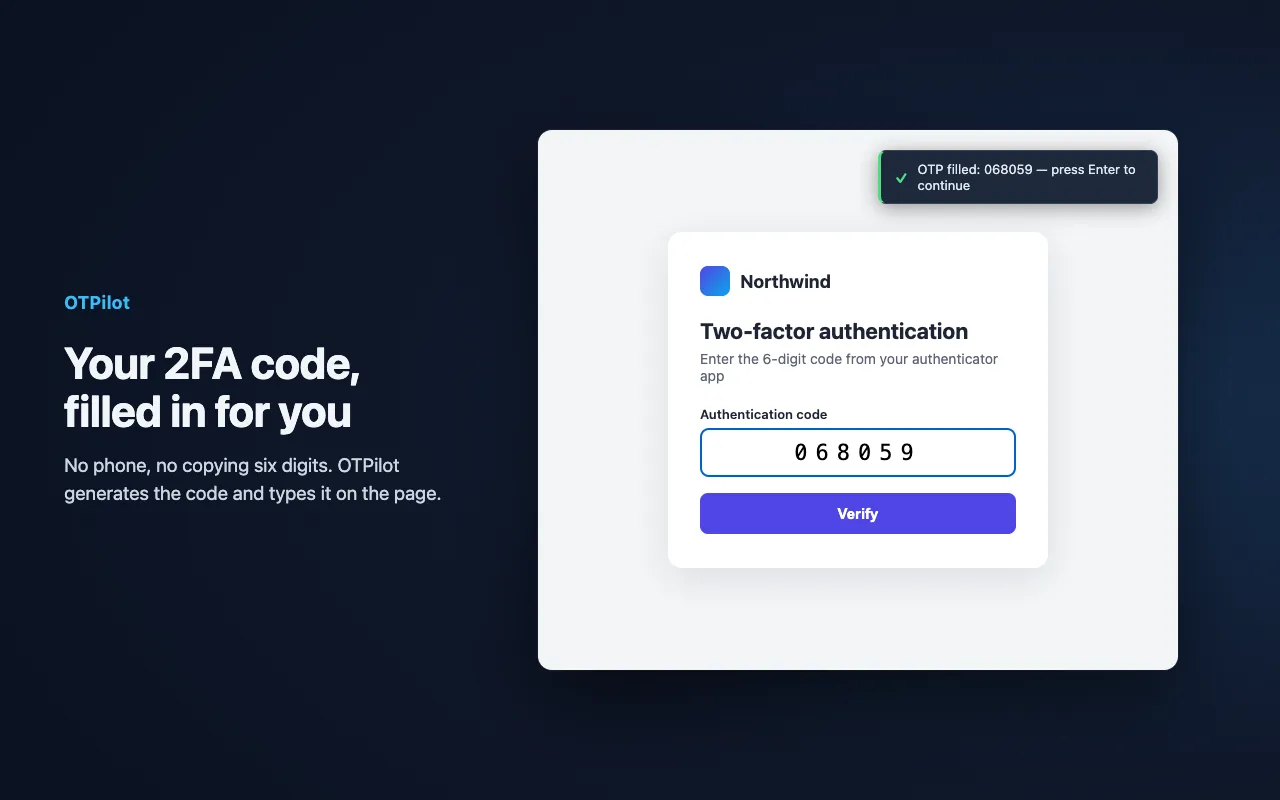
What changed in Microsoft Authenticator
Microsoft stopped password autofill in Authenticator in July 2025 and removed the saved passwords from the app in August 2025; they stay in your Microsoft account and in Edge. The app still generates 2FA codes on your phone.
What OTPilot does instead
- One place for both. Your password and your 2FA code for a site live in the same login, and are filled one after the other.
- No phone at sign-in. The code is generated in your browser and filled on the page.
- Bring your passwords. Export your passwords from Edge (or any browser) as a CSV and import them in Settings → From a password manager.
- Encrypted on your device. Your vault is encrypted under your master password; sync only ever sends ciphertext.
Moving your 2FA codes
Microsoft Authenticator has no export for other apps, so 2FA accounts are moved one by one: in each site's security settings, set up the authenticator app again. OTPilot detects the setup QR code on the page and saves the account in one click. Keep Microsoft Authenticator until every account works in OTPilot.
Questions
- Do I need an account?
- No. OTPilot works without an account, fully on your device. An account is only needed to sync across devices.
- Does OTPilot work in Edge?
- Yes. OTPilot is available for Chrome and Edge, and works in other Chromium browsers.
- How much does it cost?
- Free for unlimited 2FA codes and up to 50 passwords, notes and other items. Sync across devices is $3/month or $30/year.
Password manager with built-in 2FA
Fills your password and your 2FA code on any login page. End-to-end encrypted, synced across devices, free to start.