Google Authenticator codes, right in Chrome
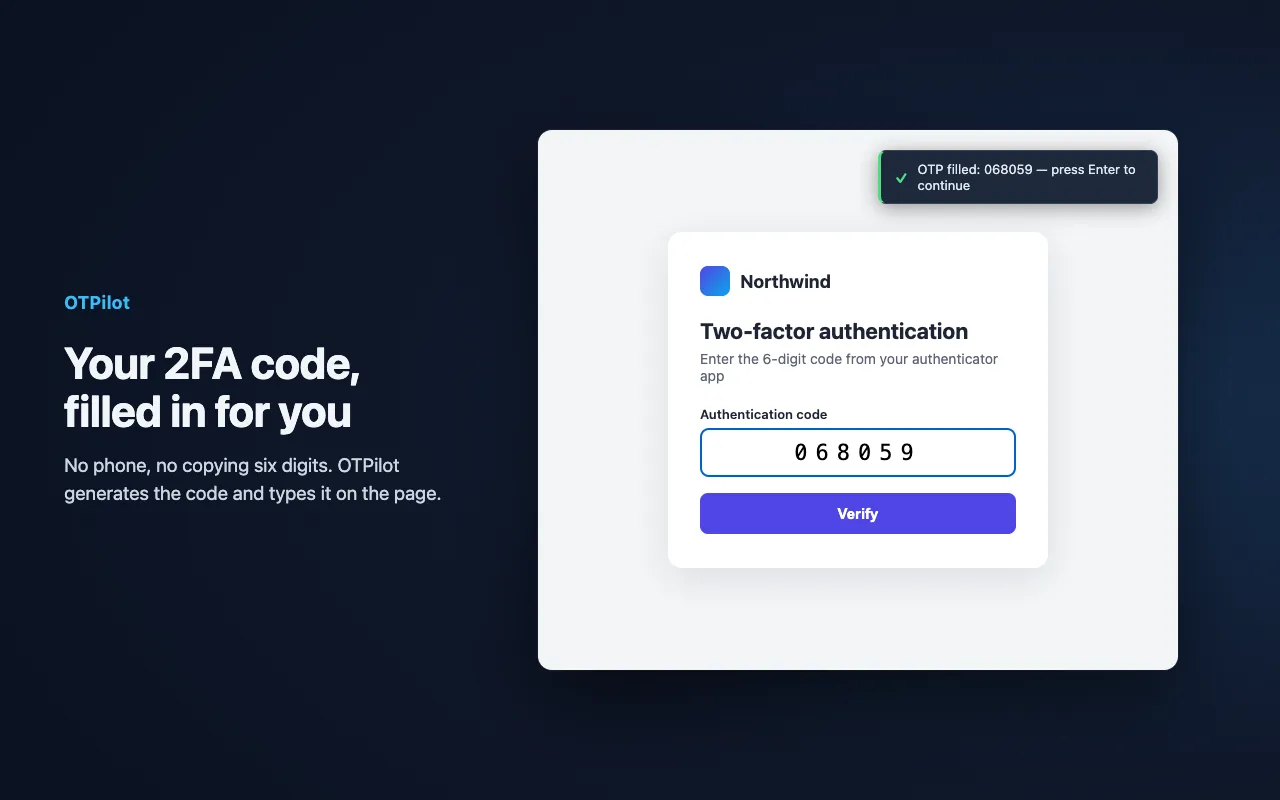
Google Authenticator lives on your phone, so every sign-in means unlocking it and typing six digits before they expire. OTPilot keeps the same codes in your browser and fills them in on the login page, along with your password.
Move your accounts in a minute
Google Authenticator can export its accounts as QR codes. OTPilot reads them from screenshots, on your device: nothing is uploaded.
- In Google Authenticator, open the ⋮ menu → Transfer accounts → Export accounts, and select the accounts.
- Take a screenshot of each QR code it shows.
- In OTPilot, open Settings → From Google Authenticator, click Select screenshots… and choose them.
- Check the accounts to bring over and click Import selected.
- Google Authenticator doesn't record which website each code belongs to, so link each one the first time: on the site's 2FA page, open the OTPilot popup, pick the account and click Fill Page. OTPilot asks to save the site ("It'll auto-fill here next time"): click Save. From then on the code fills on its own.
OTPilot supports the codes almost every site uses: six digits, changing every 30 seconds. Accounts with other settings are skipped, and the import says how many.
What changes when your codes are in the browser
- Filled for you. When a site asks for the code, OTPilot fills the current one and submits the form. No phone, no typing.
- Only on the right site. Each code is tied to the sites you saved it for, so it is never filled on a lookalike page.
- Several accounts, one site. Work and personal accounts on the same service? OTPilot asks which one, in one click.
- Your passwords too. OTPilot is a full password manager: it fills the username and password first, then the code.
Same standard, same codes
Google Authenticator and OTPilot both use the TOTP standard (RFC 6238): for the same account they show exactly the same code. You can keep Google Authenticator on your phone as a backup while OTPilot does the work on your computer.
Is it safe to keep 2FA codes in the browser?
Your vault is encrypted on your device under your master password (AES-256-GCM, with the key derived through 600,000 PBKDF2 iterations) and locks itself after the time you choose. If you turn on sync, our servers only ever store ciphertext. The extension is open source.
Keeping your password and your second factor in one vault is a trade-off: it removes the friction that makes people skip 2FA, and codes are only filled on the sites they belong to. Read how OTPilot protects your data on the security page.
Questions
- Do I need an account?
- No. OTPilot works without an account, fully on your device. An account is only needed to sync across devices.
- Can I keep using Google Authenticator?
- Yes. Both apps generate the same codes from the same secret, so you can use both at the same time.
- Is there a phone app?
- No. OTPilot runs in your browser: Chrome, Edge and other Chromium browsers. Keep your phone app for signing in on your phone.
- How much does it cost?
- Free for unlimited 2FA codes and up to 50 passwords, notes and other items. Sync across devices is $3/month or $30/year.
Password manager with built-in 2FA
Fills your password and your 2FA code on any login page. End-to-end encrypted, synced across devices, free to start.