A password manager with 2FA codes included, free
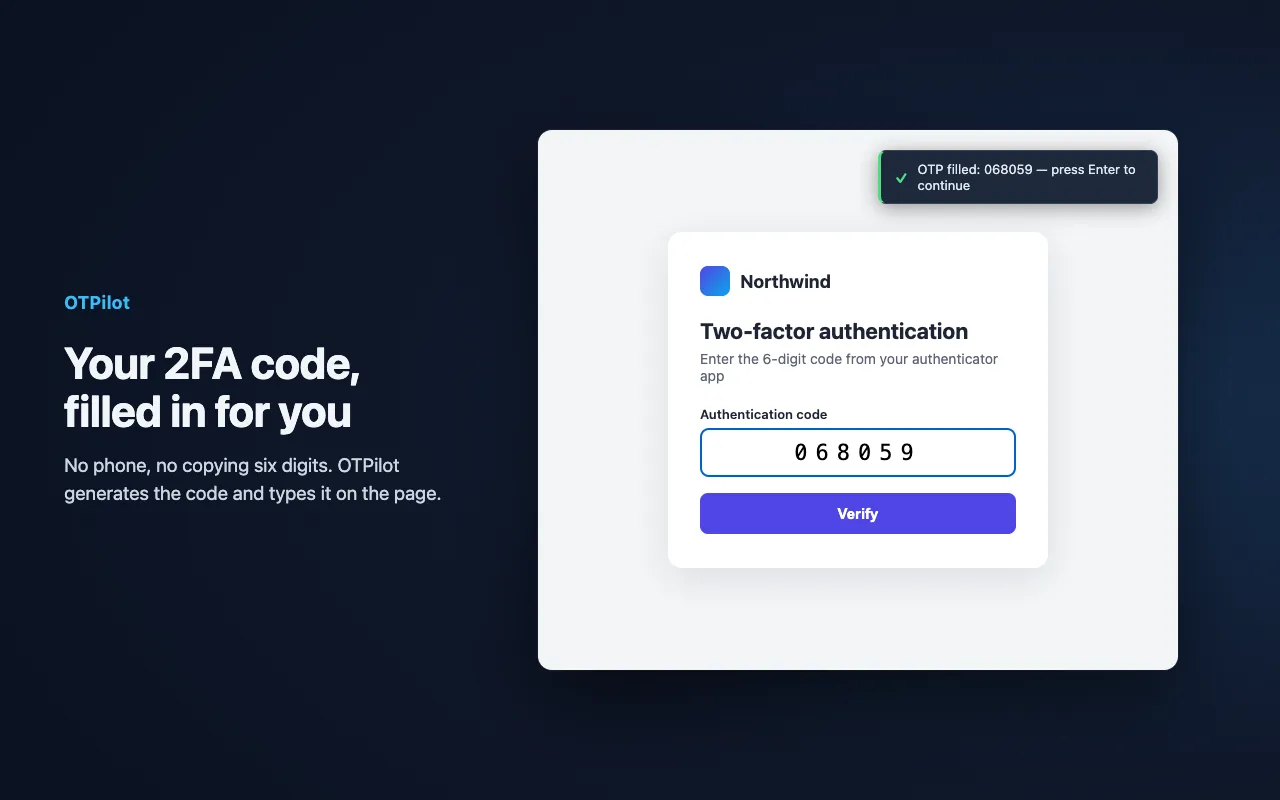
Bitwarden can store your 2FA codes, but its built-in authenticator is part of Premium. In OTPilot, 2FA is the core: unlimited 2FA codes are free, and they are filled on the page right after your password.
OTPilot and Bitwarden side by side
| Bitwarden | OTPilot | |
|---|---|---|
| Built-in 2FA codes | Premium plan | Free, unlimited |
| Email codes from your webmail | No | Yes |
| AI agents | MCP server: the agent can read vault items, passwords included | Agents use only the accounts you allow, without seeing the secrets |
| Platforms | Desktop, mobile and browser apps | Chrome, Edge and other Chromium browsers |
| End-to-end encrypted | Yes | Yes |
Bitwarden is a great open-source password manager with apps everywhere. If you sign in mostly from your computer's browser and want 2FA codes without a paid plan, OTPilot is built for that.
Switching
- In Bitwarden, export your vault as a CSV (unencrypted .csv).
- In OTPilot, open Settings → From a password manager and select the file. Passwords and 2FA keys come in together, and logins you already have are matched instead of duplicated.
- Delete the CSV afterwards: it isn't encrypted.
Questions
- Do I need an account?
- No. OTPilot works without an account, fully on your device. An account is only needed to sync across devices.
- How much does it cost?
- Free for unlimited 2FA codes and up to 50 passwords, notes and other items. Sync across devices is $3/month or $30/year.
Password manager with built-in 2FA
Fills your password and your 2FA code on any login page. End-to-end encrypted, synced across devices, free to start.