Leaving LastPass? Bring your passwords and 2FA together
LastPass's free plan works on one type of device only, computers or phones, and its 2022 breach led many people to look elsewhere. OTPilot keeps your passwords and 2FA codes in your browser, encrypted on your device under your master password.
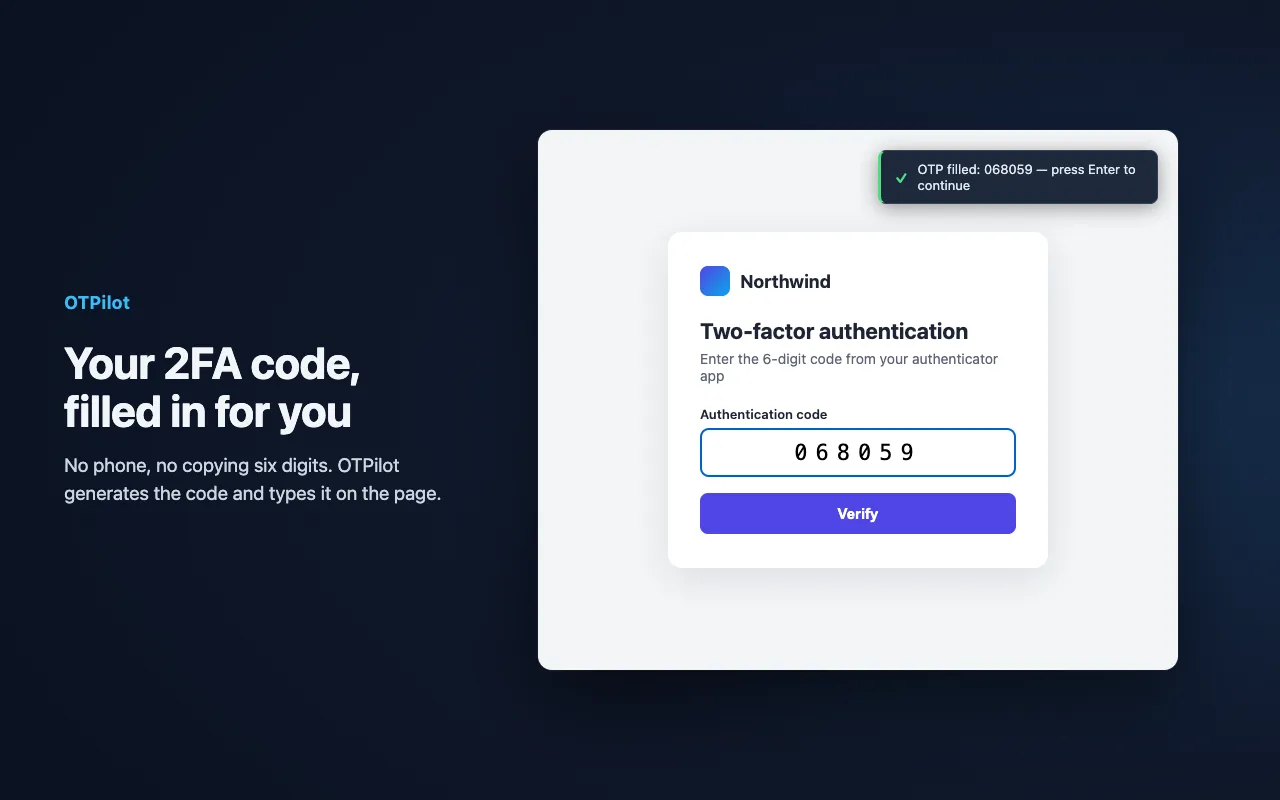
What you get
- Passwords and 2FA, filled together. Username and password first, then the 2FA code when the site asks for it.
- Encrypted on your device. Every item is encrypted locally; sync sends only ciphertext, and the extension is open source.
- A free plan without a device-type rule. Free is local to one browser; Personal syncs every browser you use.
- AI agents, safely. Let Claude Code or Codex use the accounts you allow, without seeing the passwords.
Switching
- In LastPass, open Advanced Options → Export and save the CSV.
- In OTPilot, open Settings → From a password manager and select the file. Logins with a 2FA key bring it along.
- Delete the CSV afterwards: it isn't encrypted.
Questions
- Do I need an account?
- No. OTPilot works without an account, fully on your device. An account is only needed to sync across devices or connect AI agents.
- How much does it cost?
- Free for unlimited 2FA codes and up to 50 passwords, notes and other items. Sync across devices is $3/month or $30/year.
Password manager with built-in 2FA
Fills your password and your 2FA code on any login page. End-to-end encrypted, synced across devices, free to start.